
The Best Gaming Monitors I Recommend For PS5 & PS5 Pro [2026]
Monitors can be one of the most confusing purchases for PS5 users. There are so many specifications and features to consider that it can be difficult for the average gamer to know what actually matters and what doesn’t. That’s where I believe real-world experience and honest advice can make a difference.
My clients know that I don’t believe in following the latest hype or recommending something simply because it’s more expensive. My priority is always finding what actually suits their needs while getting the best value for their money. I try to keep things simple and practical rather than pushing unnecessary features.
For PS5 gaming, I personally don’t recommend going below 1440p (QHD) if your budget allows it. You can certainly go higher with 4K UHD, but I generally wouldn’t choose a 1080p monitor for a PS5 unless there’s a specific reason to do so.
The Ultimate High-Performance PS5 Monitor
If you’re one of the few gamers who simply want the best possible monitor for PS5, regardless of the price (almost $1k), my top recommendation is the ASUS ROG Swift OLED PG32UCDMR.
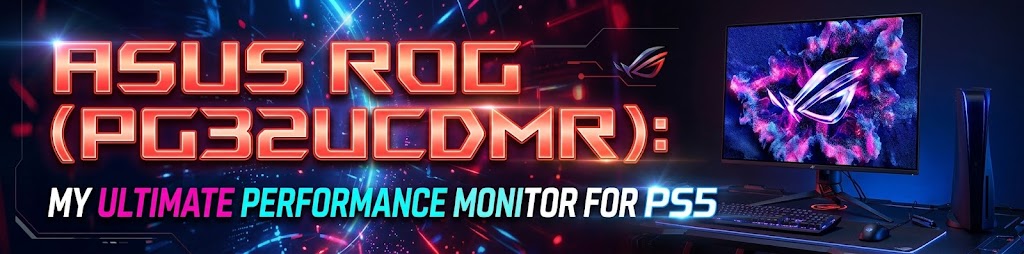
It delivers an exceptional combination of picture quality, speed, and overall performance for those who want the best without compromising.
For users looking for a budget 27-inch monitor:
I recommend the AOC 27″ Gaming Monitor QHD (Q27G41ZE).

It offers solid performance and good value for around the $180 price range.
⯁ I recommend the Dell 27 Monitor (S2725QS) if you prefer the same 27-inch size but want to step up to 4K.
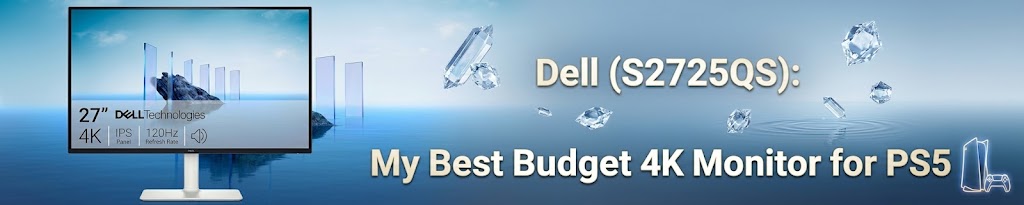
It’s a solid 4K option that delivers sharp image quality and good overall performance without pushing the price much beyond $280.
For gamers who prefer a larger screen
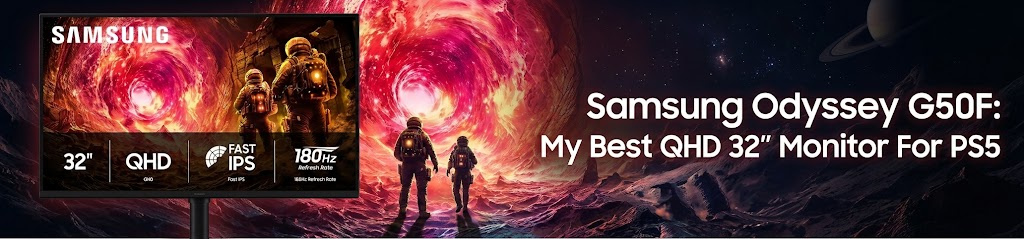
32 inches is my personal favorite size. In QHD, I’d recommend the Samsung 32″ Odyssey G5 (G50F).
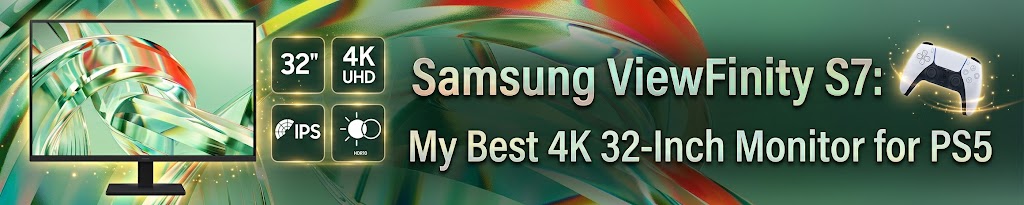
⯁ As for 4K, my choice is the Samsung 32″ ViewFinity S7 (S71H) 4K UHD.
For power users, especially PS5 Pro owners
Those who want to get the most out of their console, I recommend the Samsung 37″ Odyssey G7 (G75F) 4K UHD.
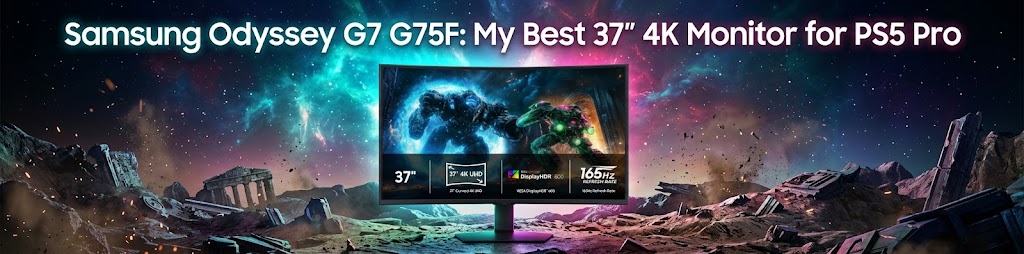
The 37-inch size gives you a lot of screen real estate while still delivering 4K resolution, and I consider it a very good option for someone looking for a more premium PS5 gaming experience without going completely overboard on price.
Thanks for putting this together. I was about to buy a 1080p monitor because it was cheaper, but after reading this I think I’ll go with 1440p instead. I seriously consider AOC gaming monitor you recommend. It seems really good with the high rating it has.
Glad it helped! I think 1440p is a much better sweet spot for PS5 if you’re trying to keep the price reasonable. The AOC is a solid option too, especially considering its rating and what you’re getting for the price. Hope you enjoy it!
This was actually really helpful. I was getting overwhelmed by all the PS5 monitor options, especially with all the different specs being advertised. The way you broke down what actually matters made it much easier to understand.
There are so many monitor specs thrown around these days that it’s easy to overthink it. I tried to focus on the things that actually make a difference when using a PS5.
Quick question before I buy one: would you personally choose the 27-inch 4K Dell over the Samsung 27-inch QHD for PS5? I mostly play single-player games and want the best picture quality without spending a fortune.
For mostly single-player games, I’d lean toward the Dell 27-inch 4K. If picture quality is your priority, I think the extra resolution is worth it, especially for the kind of games you play. The Samsung QHD is still a good option if you want to save some money, though.
This is the first guide I’ve found that doesn’t make it sound like you need a $500+ monitor to enjoy a PS5. I appreciate the focus on getting what actually makes sense for the money.
Exactly what I was going for. You really don’t need to spend $500+ on a monitor to get a great experience on PS5. I’d rather focus on what actually matters for gaming and avoid paying extra for specs most people won’t notice.
Amazing brother! What would you recommend for a curved monitor for ps5?
Thanks.
Have a look at my curved monitor recommendation for PS5.
Hey man do you think the Dell 27 Monitor S2725QS, 4K UHD or the Alienware – AW2726DM 27″ QD-OLED QHD 240Hz 0.03ms FreeSync Premium Pro Gaming Monitor is better? You haven’t listed the Alienware but I am between the two. I will be playing on the PS5 and I mainly play story games like GTA, Spider-Man but I also play some comp games.
I’d definitely go with the Dell 27 Monitor S2725QS. Keep in mind that it’s a 4K UHD monitor, while the Alienware AW2726DM 27″ is only QHD. For that reason, I’d seriously recommend going with the S2725QS.
Can you recommend the next model up from the Dell 27 Monitor S2725QS that is at 27″ but does proper HDR?
Are you mainly looking for better HDR while keeping the 27-inch, 4K resolution? And what’s your budget? That’ll help me recommend something that’s a real upgrade over the Dell rather than just another monitor that supports HDR on paper.
Hello! My boyfriend is looking for a monitor to help with performance when playing COD on our PS5. We’re trying to figure out how to get the best FPS rate and I figure a monitor with a fast response time, 1440p, and capable of 140hz would be the best way to go, but is there a monitor where you can actually enable an FPS counter to be displayed via the monitor’s menu? What would you recommend?
We got our hands on an Alienware (AW2726DM) but can’t seem to notice a difference from our previous monitor (can’t recall brand, sorry).
Honestly, I wouldn’t spend money on a new monitor if I were you. The Alienware AW2726DM you already have is a great monitor for PS5. I work with gaming hardware a lot, and a 27-inch 1440p QD-OLED with a 0.03ms response time is already more than enough for a great gaming experience. It even has a built-in FPS counter.
If you’re not noticing much difference compared to your old monitor, I’d check a couple of things first. The PS5 supports up to 120Hz, so you won’t get the full benefit of your monitor’s 240Hz refresh rate. Also, the PS5 home screen runs at 60Hz, and Call of Duty might still be running at 60 FPS if the right settings aren’t enabled on both the console and the game. I’d check those before even thinking about buying another monitor.