
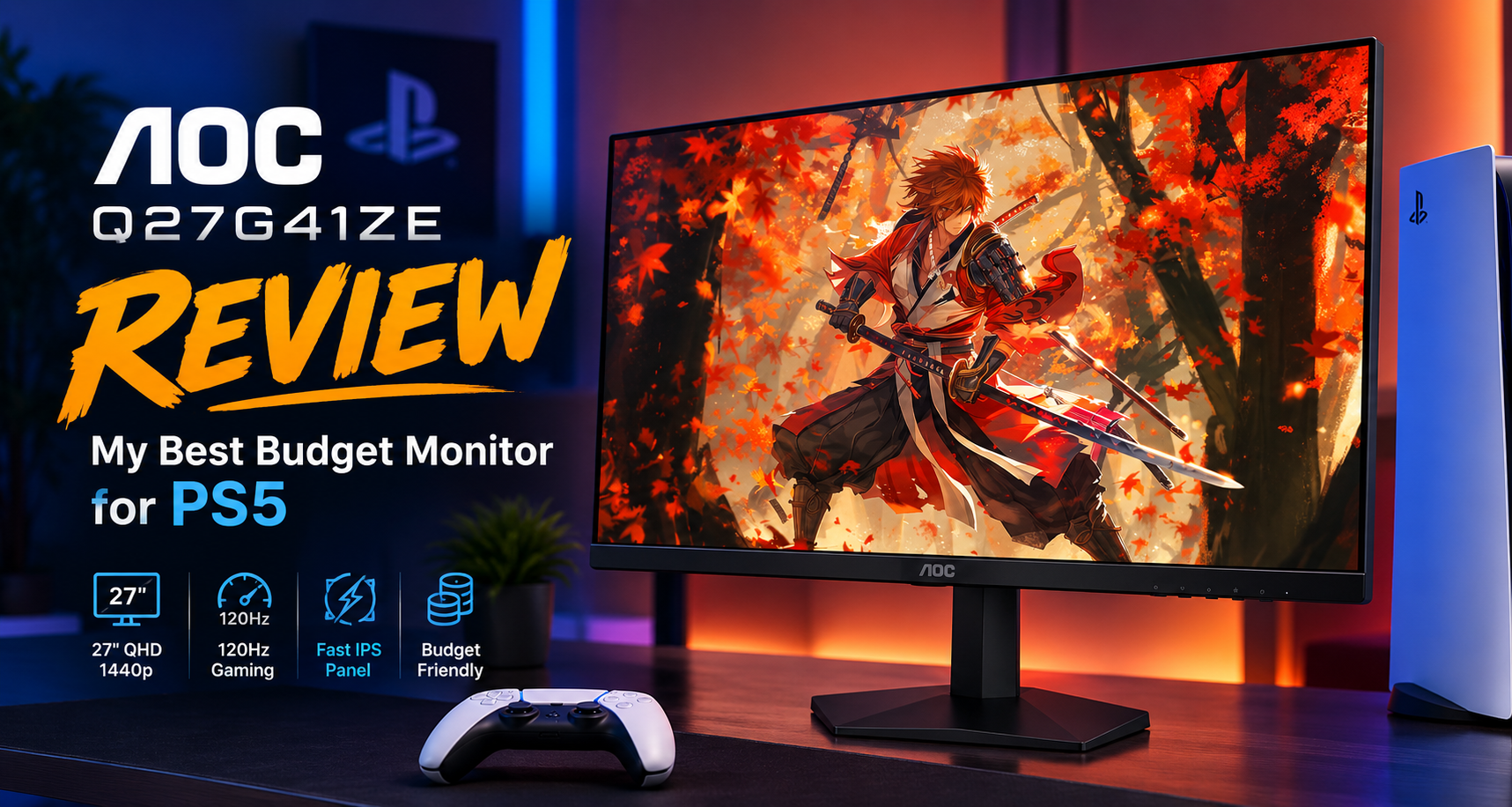
AOC Q27G41ZE: My Best Budget Monitor for PS5
Choosing a monitor for PS5 gets surprisingly complicated once you start looking beyond the basic resolution and refresh-rate numbers. A 4K monitor sounds like the obvious choice, but if your budget is tight and you mainly care about smooth 120Hz gaming, spending more for features you may barely use does not always make sense.
That is where the AOC Q27G41ZE gets interesting. It is not a perfect all-around PS5 monitor, and I would not recommend it to someone specifically looking for premium HDR or the full visual potential of a PS5 Pro. But as a budget-focused PS5 monitor, its combination of a sharp 27-inch 1440p Fast IPS panel, 120Hz support, fast response characteristics, and relatively low cost makes a lot of sense.
After digging through the available research, this is the monitor I would put at the top of my budget PS5 shortlist, particularly for players who spend most of their time in competitive games and want to move away from a basic 60Hz display without spending a lot.
AOC 27″ Gaming Monitor QHD [Q27G41ZE]
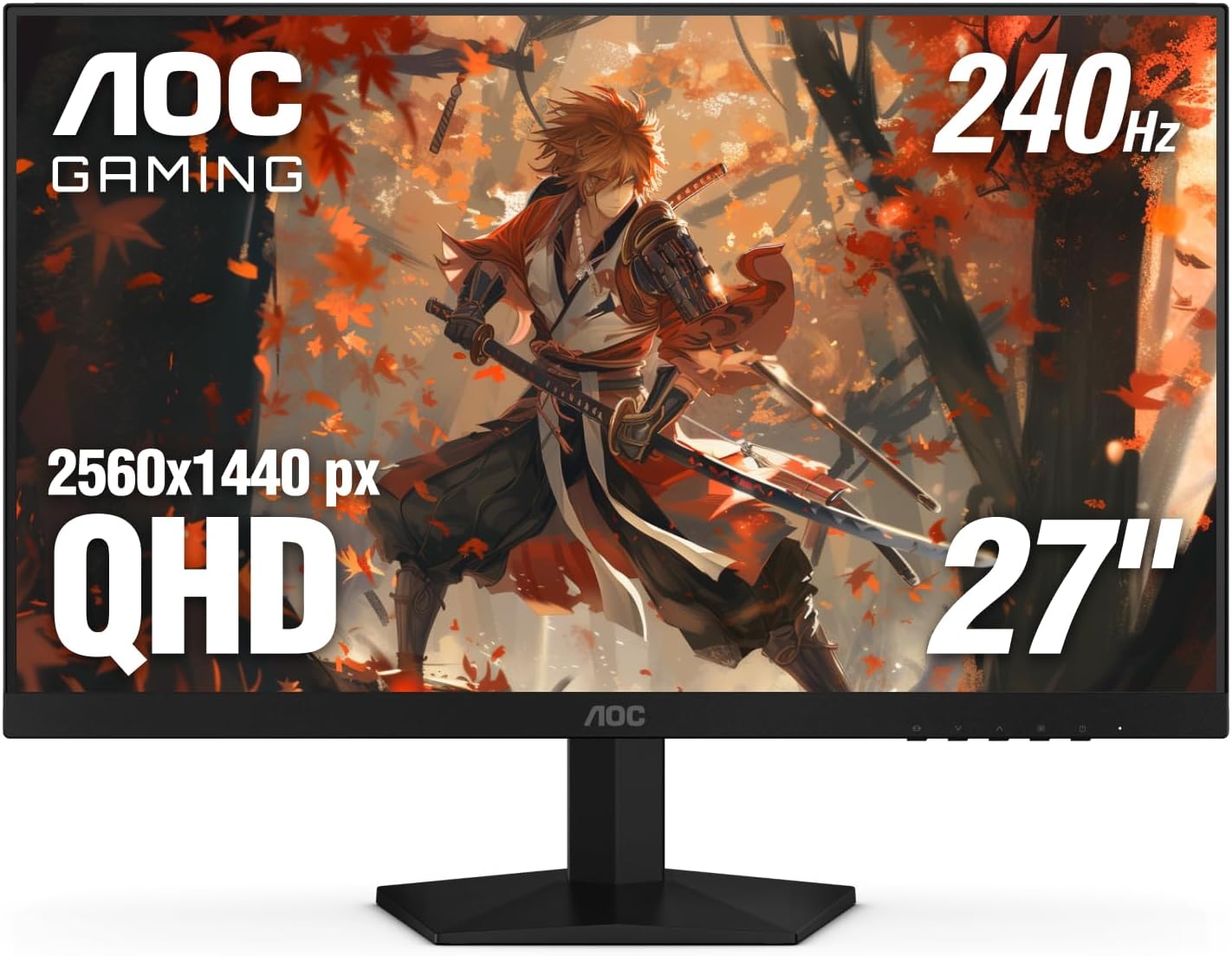

The AOC Q27G41ZE is my best budget monitor for PS5 when the priority is affordable 1440p/120Hz gaming rather than premium HDR or 4K image quality. Its 240Hz capability is mostly wasted on PS5, but that does not stop the monitor from being a very capable 120Hz console display.
My Overall Rating for PS5: ★★★★☆ (4.3/5)
The rating needs some context. I am not judging the Q27G41ZE as a high-end gaming monitor or as the ideal display for a PS5 Pro. I am judging it for the buyer who wants to spend as little as reasonably possible while still getting a sharp picture and smooth 120Hz gameplay.
That is where it performs particularly well. The 1440p resolution is a good match for PS5, the Fast IPS panel provides good viewing angles, and its response performance is easily fast enough for the console’s 120Hz mode. The biggest compromises are HDR, HDMI 2.0 connectivity, the basic stand, and the fact that the monitor’s headline 240Hz/260Hz capability cannot be used by a PS5.
AOC Q27G41ZE at a Glance
| Specification | What It Means for PS5 |
|---|---|
| 27-inch Fast IPS | Good viewing angles and responsive motion performance. |
| 2560 × 1440 QHD | A sharp resolution that PS5 supports natively. |
| 240Hz / 260Hz overclocked | PS5 is limited to 120Hz, so the extra refresh rate is mainly useful with a PC. |
| 300 nits | Fine for normal indoor use, but not enough for convincing HDR. |
| 1000:1 contrast | Typical IPS contrast, but blacks will not look especially deep. |
| 2 × HDMI 2.0 | Suitable for 1440p/120Hz, but without HDMI 2.1’s 4K/120 capability. |
| 100 × 100mm VESA | Useful if you want to replace the basic stand with a monitor arm. |
Why 1440p Makes So Much Sense for a Budget PS5 Monitor
If you are shopping specifically for an affordable PS5 display, I think 1440p deserves more attention than it usually gets. You do not necessarily need to spend considerably more on a 4K monitor simply because the PS5 supports 4K output.
The Q27G41ZE’s 2560 × 1440 resolution gives a 27-inch screen a pixel density of roughly 109 PPI. That is enough to produce a noticeably sharper image than a basic 1080p monitor while keeping the hardware and price requirements below many 4K alternatives.
There is another useful detail here. According to the research, the monitor can accept a 4K 120Hz signal from the PS5 and downscale it to its native 1440p resolution. That gives the console another way to feed the display a high-quality signal and can produce a cleaner-looking image than simply relying on a standard 1080p output.
Buying tip: If your main goal is affordable 120Hz PS5 gaming, I would rather have a good 1440p Fast IPS monitor like this than stretch the budget simply to get a basic 4K display with compromises elsewhere.
The 120Hz Performance Is the Real Reason I’d Buy It
The most important question is not whether the Q27G41ZE can reach 240Hz. The PS5 cannot use that refresh rate. The question is whether the monitor makes good use of the console’s maximum 120Hz output.
The answer from the available research is yes.
In supported PS5 games running at 120fps performance modes, the monitor’s fast pixel response is more than capable of keeping up with the console. Competitive games such as Call of Duty, Apex Legends and Overwatch 2 are exactly where this matters most. A 120Hz display can make motion easier to follow and controls feel more immediate than a conventional 60Hz screen.
The research also indicates that the monitor’s overdrive should not simply be pushed to its maximum setting. Medium or Weak is the more sensible choice because aggressive overdrive can introduce inverse ghosting and bright trails behind moving objects.
For a PS5, I see that as a positive rather than a major complication. The monitor has more than enough response-speed headroom for 120Hz, so there is little reason to chase extreme settings.
What About the 240Hz and 260Hz Refresh Rate?
This is probably the easiest specification to misunderstand.
The Q27G41ZE is built around a very high PC refresh rate, reaching 240Hz natively and 260Hz with overclocking. A PS5, however, tops out at 120Hz. That means more than half of the monitor’s advertised refresh-rate potential simply sits unused when the display is connected to the console.
If you are buying the monitor exclusively for a PS5, I would not consider 240Hz a reason to buy it.
However, I also would not consider it a reason to reject the monitor. The important point is that the hardware designed to run at high refresh rates gives the panel plenty of performance headroom for the PS5’s 120Hz mode.
This becomes especially attractive if you have a gaming PC as well. In that situation, the monitor can serve as a 120Hz PS5 display and a much higher-refresh-rate PC monitor on the same desk.
The Biggest Compromise: HDR
This is where I would set expectations before ordering.
The Q27G41ZE supports HDR10, but its 300-nit peak brightness, 1000:1 static contrast ratio and lack of local dimming mean that this is not a monitor I would buy for HDR gaming.
On paper, HDR support sounds impressive. In practice, the hardware simply does not have the brightness or backlight control needed to produce the kind of strong highlights and deep contrast that make HDR worthwhile.
The research indicates that PS5 HDR can look gray or washed out on this monitor, particularly when compared with properly calibrated SDR output. That is why the available evidence recommends disabling HDR in the PS5 settings rather than forcing HDR simply because the monitor advertises HDR10.
Limitation: I would not buy the Q27G41ZE because it says HDR10 on the specifications sheet. Treat that feature as a secondary capability rather than a major selling point. For this monitor, the value is in affordable 1440p/120Hz gaming.
Why the Fast IPS Panel Still Works Well for PS5
The Fast IPS panel is another part of the monitor that makes sense at this price point. IPS technology provides strong viewing angles, which is useful if you sometimes play with someone sitting beside you rather than directly in front of the screen.
The panel also covers 99.9% of the sRGB color space according to the research. The catch is that the factory presentation may not look ideal to everyone. Some users describe the image as dull or washed out, while others report vibrant colors or a warmer, reddish appearance.
The conflicting impressions appear to be connected largely to calibration and PS5 HDR settings. With HDR incorrectly enabled, the image can look considerably worse. With HDR disabled and the monitor properly adjusted, the IPS panel can deliver much more convincing SDR color.
That means I would not judge this monitor purely from its out-of-box image. Some adjustment may be worthwhile.
The Stand Is Clearly a Budget Compromise
The panel itself is more impressive than the stand supporting it.
AOC gives the Q27G41ZE a basic tilt-only stand. There is no height adjustment, swivel or pivot functionality, and the research describes the stand as prone to wobble.
That is annoying, but it is not a deal-breaker for me because the monitor supports a standard 100 × 100mm VESA mount. If desk ergonomics matter to you, a monitor arm can solve the problem.
If you are trying to keep the total purchase as cheap as possible, though, remember that adding an aftermarket arm increases the real cost of ownership.
HDMI 2.0: The Other Important Trade-Off
The Q27G41ZE uses HDMI 2.0 rather than HDMI 2.1. This is one of the biggest differences between this monitor and more expensive 4K gaming displays.
For a budget PS5 setup, HDMI 2.0 is not automatically a problem. The research indicates that the monitor can handle 1440p at 120Hz and can accept a 4K 120Hz signal for downscaling. That covers the core use case I care about with this monitor.
Where HDMI 2.0 becomes a limitation is if you expect the full 4K/120Hz experience or want the strongest possible compatibility with the PS5’s VRR implementation. The research specifically notes that VRR behavior over this HDMI 2.0 implementation can be inconsistent, and the available information does not establish a definitive picture of its behavior with the latest PS5 firmware.
That uncertainty is another reason I would position this as a budget 120Hz PS5 monitor, rather than a premium PS5 display.
How I’d Set It Up for a PS5
The physical assembly is straightforward, but the console settings deserve attention.
I would start by manually testing 1440p output in the PS5’s Screen and Video settings, set 120Hz Output to Automatic, and disable HDR. The HDR setting is particularly important because the research indicates that leaving it enabled can contribute to the washed-out image users sometimes report.
On the monitor itself, I would avoid maximum overdrive and start around the Medium or Weak setting. That should provide enough response performance for 120Hz without introducing unnecessary inverse ghosting.
What Real Users Seem to Like
The strongest positive theme in the research is straightforward: people upgrading from an ordinary 1080p 60Hz display tend to get exactly the improvement they were looking for.
The combination of 1440p sharpness and 120Hz motion is particularly appealing for competitive players. The difference is most meaningful in games where tracking fast-moving targets matters.
The IPS viewing angles and the monitor’s warranty coverage are also meaningful positives. AOC’s reported three-year standard warranty, three-year zero-bright-dot policy and one-year accidental-damage coverage provide an unusually reassuring ownership proposition for a budget-oriented display.
Why Some Owners Are Less Impressed
The negative experiences are also fairly consistent. Buyers expecting premium HDR are likely to be disappointed. People who assumed they would get 240Hz from their PS5 misunderstood what the console can actually output. Others may dislike the basic stand or find the default image requires more adjustment than expected.
That is why I think this monitor becomes much easier to recommend once its purpose is clearly defined. It is not trying to replace a premium 4K HDMI 2.1 display. It is a relatively affordable way to get a sharp 1440p picture and smooth 120Hz PS5 gaming.
AOC Q27G41ZE vs. the AOC Q27G40XMN
The most interesting alternative mentioned in the research is AOC’s Q27G40XMN. The key difference is its Mini-LED backlight and 1152 local dimming zones.
That makes the Q27G40XMN the more attractive choice if HDR and contrast are high on your priority list. Its lower PC refresh rate is not particularly important for PS5 because the console cannot use more than 120Hz anyway.
But this is exactly where I would separate my recommendation. If my priority were the best overall picture quality for PS5, I would look seriously at the Mini-LED alternative. If my priority were getting a capable 120Hz PS5 monitor while keeping the budget under control, the Q27G41ZE makes more sense.
Who Should Buy the AOC Q27G41ZE?
- Budget-conscious PS5 players who want 1440p and 120Hz without moving into the price range of premium 4K displays.
- Competitive gamers who mainly play fast-paced shooters and care more about smooth motion than HDR.
- Players upgrading from 1080p/60Hz who want a noticeable improvement in both sharpness and responsiveness.
- PC and PS5 owners who can take advantage of the monitor’s higher refresh rate on their gaming PC.
Who Should Look Elsewhere?
I would not choose this monitor if I were buying a PS5 Pro specifically to enjoy improved 4K image quality, ray tracing and premium visual features. The Q27G41ZE’s 1440p resolution, HDMI 2.0 connectivity and weak HDR performance leave too much of the Pro’s potential on the table.
I would also look elsewhere if HDR is one of the main reasons I am upgrading my display. A Mini-LED monitor or a proper 4K HDMI 2.1 display makes more sense for that use case.
Finally, if you do not have a gaming PC, do not pay extra because the monitor is advertised as a 240Hz or 260Hz display. The PS5 will still give you 120Hz.
My PS5 Buying Decision
| If Your Priority Is… | My Take |
|---|---|
| Affordable 120Hz PS5 gaming | Q27G41ZE |
| Sharp 1440p image | Q27G41ZE |
| Competitive games | Q27G41ZE |
| Premium HDR | Look at a Mini-LED alternative |
| PS5 Pro 4K gaming | Look for a 4K HDMI 2.1 display |
| PS5 + gaming PC | Q27G41ZE becomes more attractive |
Pros and Cons
| Pros | Cons |
|---|---|
| Sharp 1440p resolution | Weak HDR performance |
| Excellent 120Hz performance | No HDMI 2.1 |
| Fast IPS panel | 240Hz/260Hz is wasted on PS5 |
| Good viewing angles | Basic tilt-only stand |
| 4K signal downscaling to 1440p | Colors may need manual adjustment |
| Strong warranty coverage | VRR behavior over HDMI 2.0 is not fully established |
Frequently Asked Questions
Is the AOC Q27G41ZE good for PS5?
Yes, particularly if your priority is affordable 1440p/120Hz gaming. It is not the best choice for premium HDR or for getting the most out of a PS5 Pro, but it is a strong budget-oriented option for standard PS5 gaming.
Can the PS5 use the monitor’s 240Hz refresh rate?
No. The PS5 is limited to a maximum output of 120Hz. The monitor’s 240Hz/260Hz capability is mainly useful if you also connect a gaming PC.
Does the AOC Q27G41ZE support 1440p on PS5?
Yes. The monitor has a native 2560 × 1440 resolution, and the research indicates that it can also accept a 4K 120Hz PS5 signal and downscale it to 1440p.
Should HDR be enabled on PS5 with this monitor?
Based on the available research, I would leave HDR disabled. The 300-nit brightness and lack of local dimming make HDR a weak point, and HDR can make the image appear washed out compared with properly configured SDR.
Is it a good monitor for PS5 Pro?
It works with the PS5 Pro, but I would not recommend it as the ideal pairing. If you have specifically invested in the Pro for improved 4K visuals and advanced graphics features, a 4K HDMI 2.1 display makes more sense.
The Information Gap I’d Keep in Mind
The available research does not establish a definitive picture of how consistently the monitor’s HDMI 2.0 VRR implementation behaves with the latest PS5 firmware. Reports are scattered and sometimes contradictory. I would therefore avoid buying this monitor solely because you expect flawless VRR behavior.
That uncertainty does not change my main recommendation because the strongest reason to buy this monitor is its 1440p/120Hz capability, not its HDR or VRR credentials.
Final Verdict: My Best Budget PS5 Monitor
The AOC Q27G41ZE is a good example of why buying a monitor purely by its biggest specification can be misleading. Its 240Hz refresh rate looks impressive, but that is not what makes it interesting for PlayStation owners.
The real value is the combination of a 27-inch Fast IPS panel, 1440p resolution, fast response performance and support for the PS5’s 120Hz gaming modes. Those are the characteristics that actually affect the experience I am buying it for.
Yes, there are compromises. HDR is weak, HDMI 2.0 means you are not getting the flexibility of HDMI 2.1, the stand is basic, and PS5 users cannot take advantage of the monitor’s full 240Hz capability. Those are genuine limitations and worth understanding before buying.
But when I frame the Q27G41ZE specifically as a budget PS5 monitor, the picture changes. I am not paying for a premium HDR experience. I am looking for a reasonably sharp screen, smooth 120Hz gameplay and good motion performance without pushing the budget too far. That is exactly where this monitor makes the most sense.
If I were shopping for a PS5 monitor on a strict budget, this would be my first monitor to investigate. I would choose it especially for competitive games and 120Hz performance. If I had a PS5 Pro or cared heavily about cinematic HDR, I would spend more and move to a Mini-LED or 4K HDMI 2.1 display instead.
My overall rating
★★★★☆ 4.3/5
My best budget PS5 monitor for affordable 1440p/120Hz gaming, with HDR and HDMI 2.1 being the main compromises.