
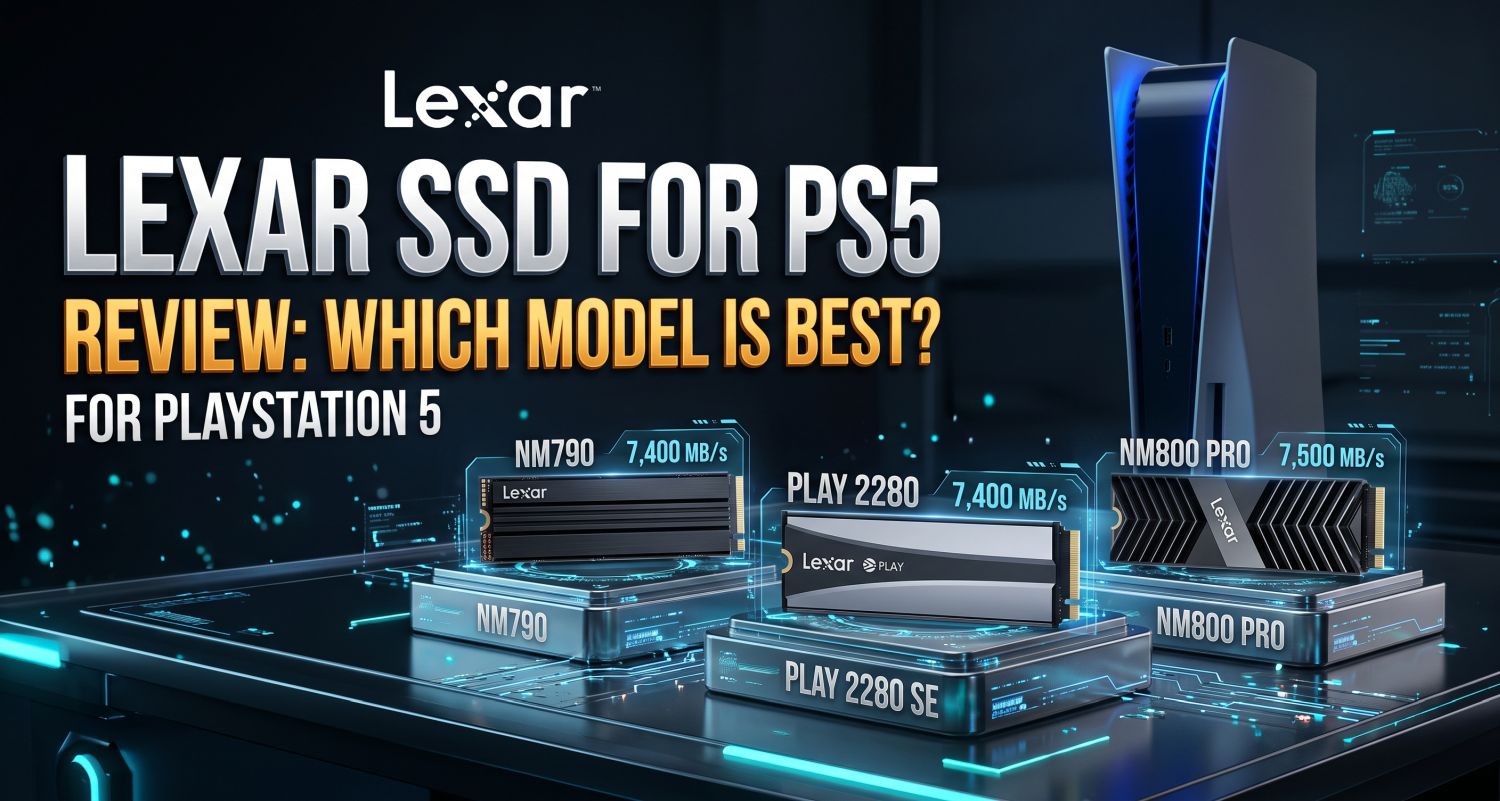
Lexar SSD for PS5 Review: Which Model Is Best for PlayStation 5?
If you’re looking for a Lexar SSD for your PS5, the good news is that Lexar offers several PCIe Gen 4 NVMe drives capable of expanding your console’s internal storage. However, not every Lexar SSD is suitable for the PS5, and paying for the highest advertised speed doesn’t necessarily mean you’ll get faster game loading.
In this review, I’ll compare the main Lexar SSD options worth considering, including the Lexar NM790, NM800 PRO, and PLAY series. I’ll focus on the things that matter most for PS5 owners: compatibility, game loading, storage capacity, cooling, reliability, and value for money.
Quick Verdict: Is Lexar a Good SSD Brand for PS5?
My top value pick: Lexar NM790 with Heatsink
A fast PCIe Gen 4 SSD with up to 7,400 MB/s sequential read speed, multiple capacity options, and a five-year limited warranty. The heatsink version is particularly convenient for a PS5 upgrade.
Lexar can be a good choice if you find a compatible model at a competitive price. The NM790 is especially interesting because its advertised read speed exceeds Sony’s recommended 5,500 MB/s minimum, while its available capacities make it suitable for gamers with large libraries.
One important distinction: Lexar’s advertised speeds are measured under specific testing conditions. They don’t mean that games will load proportionally faster than they would on another good PS5-compatible Gen 4 SSD.
Lexar SSD Models Compared for PS5
| SSD model | Advertised read speed | PS5 suitability | Rating |
|---|---|---|---|
| Lexar NM790 | Up to 7,400 MB/s | Excellent value option; choose a suitable heatsink | ★★★★☆ 4.5/5 |
| Lexar NM790 with Heatsink | Up to 7,400 MB/s | Convenient all-in-one upgrade | ★★★★☆ 4.5/5 |
| Lexar NM800 PRO | Up to 7,500 MB/s | High-performance option; requires a compatible heatsink | ★★★★☆ 4.5/5 |
| Lexar PLAY | Up to 7,400 MB/s | Gaming-focused option; verify exact version and heatsink | ★★★★☆ 4/5 |
These are practical editorial ratings based on the published specifications and suitability for PS5, not laboratory measurements of every capacity. Prices and availability vary by market.
1. Lexar NM790 Review: The Best Value Option for PS5
The Lexar NM790 is the model I’d look at first when comparing Lexar SSDs for a PS5. It uses a PCIe Gen 4 x4 NVMe interface and advertises sequential read speeds of up to 7,400 MB/s. Lexar offers it in multiple capacities, including 1TB, 2TB, and 4TB, with additional versions available in some markets.
Its headline speed comfortably exceeds Sony’s recommended 5,500 MB/s sequential read threshold. That makes it a suitable candidate for running PS5 games from expanded internal storage, provided you buy the correct model and install an appropriate heatsink.
How does the NM790 perform on PS5?
- Game loading: Expect fast loading in supported PS5 games. Actual results depend on the game, its loading design, and the console’s software. Don’t expect a dramatic improvement over the built-in SSD or another good compatible Gen 4 drive.
- Playing PS5 games: The drive can store and run PS5 games directly, so you don’t have to move them back to the console’s built-in storage before playing.
- Copying and installing games: Transfer times vary with the size of the game, the source drive, and the PS5’s own transfer process. The SSD’s maximum PC write speed doesn’t directly predict every console transfer.
- Large game libraries: The 2TB and 4TB versions are worth considering if you regularly install large games and don’t want to keep deleting them.
One technical detail is worth knowing: the NM790 uses Host Memory Buffer (HMB) rather than dedicated DRAM cache. HMB relies on host-system memory, and the PS5 doesn’t support HMB in the same way a PC does. Independent testing has nevertheless found the NM790 with heatsink can perform well in PS5 use, although occasional performance inconsistencies have been reported in demanding scenarios. This is one reason I wouldn’t judge it by its advertised speed alone.
My take: The NM790 is a strong value candidate, particularly when the 2TB or 4TB version is discounted. I would compare its price against other reputable PS5-compatible SSDs before buying.
See the official Lexar NM790 specifications
2. Lexar NM790 with Heatsink: The Easier PS5 Upgrade
This version offers essentially the same core SSD performance as the standard NM790, but comes with a heatsink already fitted. That is useful for PS5 owners who want a straightforward installation without needing to select and fit a separate cooler.
Sony requires an appropriate cooling structure for an M.2 drive installed in the PS5 expansion slot. The complete SSD assembly must also fit within the console’s clearance limits. Lexar advertises its heatsink version as compatible with PS5, but check the exact product listing and dimensions before ordering.
Don’t expect the heatsink to make the SSD load games significantly faster by itself. Its purpose is to help manage heat and maintain stable operation, particularly during sustained activity. The main advantage is convenience and appropriate cooling, not extra gaming performance.
My take: If the heatsink version costs only a little more than the bare NM790 plus a compatible heatsink, it’s the simpler option I’d consider first.
3. Lexar NM800 PRO Review: A Faster-Spec Alternative
The Lexar NM800 PRO is another PCIe Gen 4 x4 NVMe SSD designed for high-performance storage. Lexar lists sequential read speeds of up to 7,500 MB/s for the 1TB and 2TB models, with advertised write speeds reaching 6,300 MB/s and 6,500 MB/s respectively. The 512GB model has lower write performance.
Lexar states that the NM800 PRO can be used to upgrade PS5 storage, but the bare drive needs a suitable, compatible heatsink. A version with a heatsink is also available in some markets.
Does it load PS5 games faster than the NM790?
Not necessarily. Its maximum advertised read speed is only slightly higher than the NM790’s, and these PC benchmark figures don’t translate directly into game loading times. Both drives exceed the recommended read-speed threshold, so differences in normal PS5 gameplay may be small or difficult to notice.
The NM800 PRO may appeal if you also use the SSD in a PC and value its performance characteristics there. For a PS5-only upgrade, however, I wouldn’t pay a significant premium solely for the small difference in maximum advertised read speed.
My take: Consider the NM800 PRO if it’s competitively priced and you can get the correct cooling solution. Otherwise, the NM790 may provide better value for a PS5-focused setup.
See the official Lexar NM800 PRO specifications
4. Lexar PLAY: A Gaming-Focused Alternative
Lexar’s PLAY series is aimed at gaming and offers PCIe Gen 4 storage options. The published specifications for the PLAY M.2 SSD include read speeds of up to 7,400 MB/s, with multiple high-capacity options in the series.
That makes it a potential PS5 upgrade, but check the exact model carefully. Product names, capacity options, heatsink availability, and specifications can vary. Don’t assume that every product carrying the PLAY name is an internal M.2 SSD suitable for the console.
As with the NM790 and NM800 PRO, the important questions are whether the specific drive meets PS5 requirements, has adequate cooling, and is priced well. The gaming branding alone doesn’t guarantee faster loading than other compatible SSDs.
My take: The PLAY series is worth comparing if you find a model with the right specifications and a good price, but I wouldn’t choose it over a cheaper, suitable NM790 based on the name alone.
How Fast Are Lexar SSDs for PS5 in Real Gaming?
The most important thing to understand is that a high maximum read speed doesn’t mean the same percentage improvement in game loading. Once an SSD is fast enough to meet the PS5’s requirements, game design and the console’s storage system become important factors.
| PS5 task | What to expect |
|---|---|
| Launching a game | Fast loading, often comparable to other good Gen 4 SSDs |
| Loading levels and fast travel | Depends heavily on the individual game and its loading process |
| Installing or copying games | Varies with file size, source drive, and console transfer behavior |
| Playing PS5 games from the expansion SSD | Supported; games can be launched directly from the installed M.2 drive |
| Frame rate and graphics | An SSD upgrade doesn’t independently improve a game’s graphics settings or frame rate |
I wouldn’t publish fixed loading times for every Lexar model without testing the same games on each drive under controlled conditions. Results can change between games and updates, and small differences in timing may not be noticeable during everyday play.
Compatibility: What You Must Check Before Buying
For an internal SSD upgrade, Sony’s PS5 guidance calls for an M.2 NVMe SSD with a PCIe Gen 4 x4 interface, a recommended sequential read speed of at least 5,500 MB/s, and a supported form factor. A suitable cooling structure is also required.
- Interface: PCIe Gen 4 x4 NVMe.
- Read speed: At least 5,500 MB/s recommended by Sony.
- Form factor: M.2 2230, 2242, 2260, 2280, or 22110, subject to the console’s dimensional requirements.
- Cooling: A suitable heatsink or cooling structure that fits inside the PS5’s expansion bay.
- Exact model: Confirm the full product name and specifications before ordering.
Not every Lexar SSD is suitable. For example, older PCIe Gen 3 models such as the NM620 fall short of Sony’s recommended speed requirement and should not be selected for this upgrade. Also, a portable USB SSD is not interchangeable with an internal M.2 SSD: PS5 games designed for PS5 must be installed on internal console storage or a compatible internal M.2 drive to run.
Read Sony’s official PS5 M.2 SSD installation guide
Reliability, Endurance, and Warranty
Lexar lists a five-year limited warranty for the NM790 and NM800 PRO, subject to the applicable product terms. The NM790’s published endurance ratings are 1,000 TBW for 1TB, 1,500 TBW for 2TB, and 3,000 TBW for 4TB. Lexar lists the NM800 PRO at 1,000 TBW for 1TB and 2,000 TBW for 2TB, with a lower rating for the 512GB model.
TBW means terabytes written: the amount of data a drive is rated to write under the manufacturer’s endurance specification. It isn’t a prediction of the exact date an SSD will fail. For typical console gaming, most buyers should focus on buying a genuine drive, installing it correctly, keeping the console adequately ventilated, and maintaining backups of important data.
Warranty coverage and endurance ratings can differ by model, capacity, region, and product revision. Always check the warranty terms for the exact SSD you’re purchasing.
Which Lexar SSD Capacity Should You Buy for PS5?
- 1TB: A sensible option if you want to expand storage without spending as much. Large games can still fill it quickly.
- 2TB: A strong balance for many players, providing room for a substantial selection of games.
- 4TB: Best suited to players with a large collection who want to keep many games installed at once.
Remember that advertised capacity and available space after formatting aren’t identical. Choose according to your library and budget rather than buying the largest drive just because it’s available.
Final Verdict: Is a Lexar SSD Worth Buying for PS5?
Yes, a suitable Lexar PCIe Gen 4 SSD can be a worthwhile PS5 storage upgrade. The Lexar NM790 with Heatsink is my leading value candidate because it combines high advertised read speed, convenient cooling, a range of capacities, and a five-year limited warranty.
The NM800 PRO is another capable option, but its slightly higher advertised read speed doesn’t automatically make it a better choice for PS5 gaming. The PLAY series is worth considering when the exact model meets the console’s requirements and is competitively priced.
My advice is simple: don’t spend extra just to get a higher number on the specification sheet. Choose a compatible PCIe Gen 4 drive with a suitable heatsink, enough storage for your games, and a solid warranty. For most PS5 owners, those factors matter more than a small difference in advertised SSD speed.
Frequently Asked Questions
Does Lexar work with PS5?
Yes, certain Lexar internal M.2 NVMe SSDs are suitable for PS5, including the NM790 and NM800 PRO when configured with appropriate cooling. Check the exact model against Sony’s requirements before buying.
Is the Lexar NM790 good for PS5?
It is a strong option to consider. Its advertised sequential read speed reaches 7,400 MB/s, above Sony’s recommended 5,500 MB/s threshold. Independent testing has also reported good PS5 performance for the heatsink version, although results can vary by game.
Will a Lexar SSD make PS5 games load faster?
It can provide fast loading, but it won’t necessarily load games faster than the PS5’s built-in SSD or another quality compatible Gen 4 drive. The actual difference depends on the game and the workload.
Do I need a heatsink for a Lexar SSD in PS5?
Yes, the SSD needs a suitable cooling structure when installed in the PS5’s M.2 expansion bay. You can buy a compatible heatsink separately or choose a version that includes one.
Is the Lexar NM800 PRO better than the NM790 for PS5?
Not automatically. The NM800 PRO advertises a slightly higher maximum read speed, but that doesn’t guarantee shorter PS5 loading times. Compare the price, capacity, heatsink, and warranty before deciding.
Can I use a Lexar external SSD to play PS5 games?
USB extended storage can store PS5 games, but PS5 games must be copied back to the console’s internal storage or a compatible internal M.2 SSD before they can be played. PS4 games can be played directly from compatible USB extended storage.